
How to Choose the Right SaaS Tools for Your Team in 2025
A comprehensive guide to selecting SaaS tools that fit your team's needs, budget, and workflow. Learn the key factors to consider before committing.
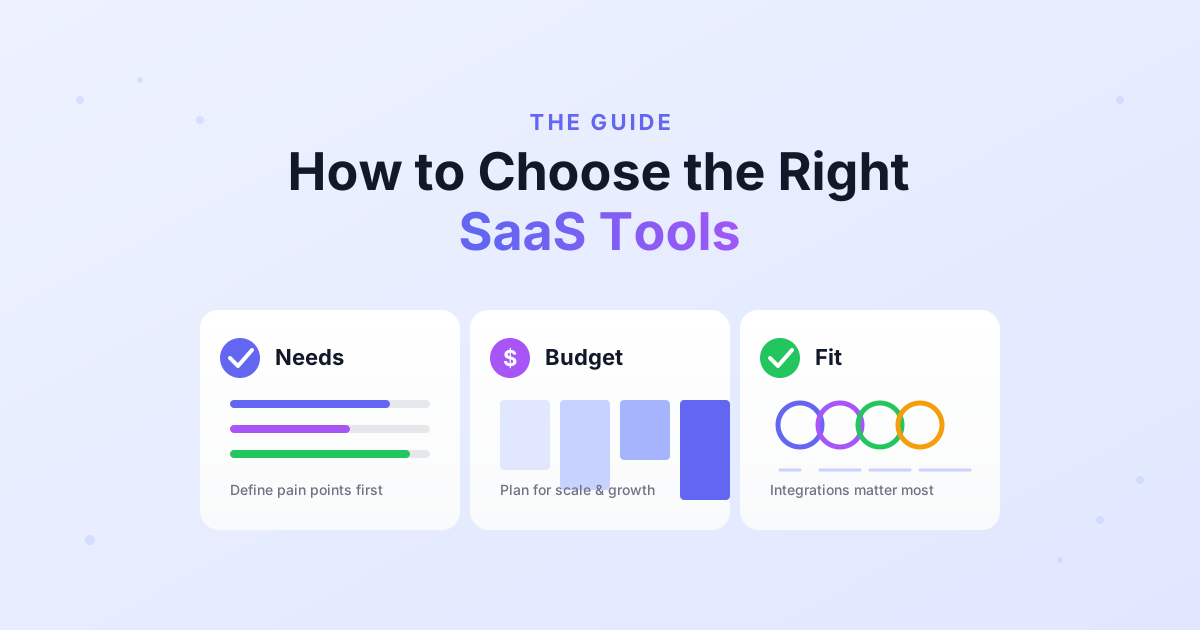
Every team ends up drowning in tools at some point. You start with Slack and a spreadsheet, and six months later you’re paying for 12 different subscriptions, half of which nobody uses. The other half don’t talk to each other. Sound familiar?
Choosing the right SaaS tools is one of those decisions that seems simple but has compounding consequences. Pick well, and your team gets a smooth workflow that scales with you. Pick poorly, and you’re migrating data between tools every few months, losing productivity each time.
Here’s what we’ve learned from watching hundreds of teams build their stacks.
Start With the Problem, Not the Tool
This sounds obvious, but almost nobody does it. Most people discover a tool through a blog post or a friend’s recommendation, get excited by the feature list, and sign up. Then they try to fit it into their workflow. That’s backwards.
Instead, write down the 2-3 things that cause the most friction in your team’s day. Maybe it’s that nobody knows what anyone else is working on. Maybe it’s that customer messages fall through the cracks. Maybe it’s that your design handoff process involves Slack messages and guesswork.
Once you’re clear on the actual problem, the right category of tool usually becomes obvious. And within that category, there are usually only 3-4 serious contenders. The search gets much easier when you know what you’re looking for.
Budget: What It Actually Costs
SaaS pricing is designed to look cheap and add up fast. A tool that costs $10/user/month seems harmless until you multiply it by 30 people and 12 months — that’s $3,600/year for a single tool.
Here’s a realistic budget framework based on what we see working:
Solo founders and tiny teams (1-4 people): You can stay under $100/month total by leaning on free tiers. At this size, you don’t need fancy tools — you need to ship.
Small teams (5-20 people): Budget $100-500/month. This is where you’ll start upgrading core tools to paid plans. Prioritize what directly affects your work — project management, communication, and whatever is specific to your industry.
Growing teams (20-100 people): $500-2,000/month. At this stage, you need SSO, better permissions, and admin controls. You’re also likely adding specialized tools (CRM, analytics, support desk) that don’t have viable free alternatives.
Enterprises (100+ people): $2,000+/month, and you probably have a procurement process for this. Good luck.
The key insight is that tool costs should scale with revenue, not headcount. If you’re a 50-person company and your SaaS bill is growing faster than your revenue, something is wrong.
Integrations Matter More Than Features
Here’s a mistake we see constantly: teams choose a tool because it has the most impressive feature list, then discover it doesn’t connect to anything else they use. A project management tool that can’t integrate with your Slack, your GitHub, or your Google Calendar creates more work than it saves.
Before you commit to any tool, check three things: Does it integrate with the tools your team already uses daily? Does it have an API for custom integrations if you need them? And does it support the authentication method your company requires (SSO, SAML, etc.)?
The best tools are the ones that disappear into your workflow. If a tool requires you to manually copy data between systems, it’s the wrong tool — no matter how many features it has.
Always Trial With Real Work
Most SaaS tools offer a 14-day free trial, and most teams waste them. They sign up, click around the demo, say “looks nice,” and either commit or bounce. That tells you almost nothing about whether the tool will actually work for your team.
Here’s a better approach: pick a real, current project and run it entirely through the new tool for a week. Use real data, involve the actual people who will use it daily, and pay attention to the small frictions — the things that take an extra click, the features that don’t quite work how you expected, the mobile app that crashes.
Also test support during the trial. Send a question to their help desk and see how fast they respond. Read their documentation and see if it actually answers your questions. The quality of support you get during the trial is the best support you’ll ever get from that company.
Think About What Happens When You Grow
A tool that’s perfect for 5 people might fall apart at 50. And migrating off a tool your entire team depends on is painful, expensive, and disruptive. So before you commit, think a year or two ahead.
Check the pricing tiers. Does the price jump sharply at a certain team size? Some tools charge $8/user/month for 10 users but $20/user/month for 50. Check for storage limits, API rate limits, and feature gates that might bite you later.
Most importantly, check the data export options. Can you get your data out in a standard format? If the tool offers “export to CSV” and that CSV is usable, good. If there’s no export path, or the export loses critical data (looking at you, Notion), that’s a risk you should factor in now.
Security Is Not Optional
If your product handles customer data — and it almost certainly does — you need to think about the security posture of every tool in your stack. A data breach through a third-party tool is just as damaging as one in your own product.
At minimum, look for SOC 2 Type II compliance (it’s the industry baseline), data encryption at rest and in transit, and SSO/2FA support. If you’re subject to GDPR or other regulations, check whether the tool offers data residency options and has a clear data processing agreement.
This isn’t just a box-checking exercise. If a tool can’t tell you where your data is stored and who has access to it, that should give you pause.
The Mistakes Everyone Makes
Choosing based on features alone. More features usually means more complexity, a steeper learning curve, and a higher price. The best tool for your team is often the simplest one that solves your specific problem. A team that actually uses Trello every day gets more value than a team that technically has access to Monday.com but finds it confusing.
Ignoring adoption. A powerful tool that your team refuses to use is worse than no tool at all — it’s wasted money and a source of frustration. When evaluating tools, ask yourself: will the least technical person on my team use this without complaining? If the answer is no, keep looking.
Not planning for the exit. Every tool relationship might end someday. The company might change its pricing, get acquired, or shut down. Before you go all-in on any platform, understand what a migration away from it would look like. If it would be catastrophic, that’s a signal to either diversify or keep local backups.
A Simple Decision Framework
When we help teams choose tools, we weigh five factors:
| Factor | Weight | The Question |
|---|---|---|
| Solves the core problem | 30% | Does it directly fix our biggest pain point? |
| Team will actually use it | 25% | Is it intuitive enough for everyone? |
| Integrates with our stack | 20% | Does it connect to what we already use? |
| Sustainable cost | 15% | Can we afford it as we grow? |
| Reliable support | 10% | Will we get help when things break? |
Notice that features aren’t even on this list as a separate factor. Features only matter insofar as they solve your core problem. A tool with 200 features where you use 5 of them isn’t better than a tool with 20 features where you use all of them.
What to Do Next
If you’re in the middle of choosing tools for your team, here’s the simplest path forward:
Write down the one workflow that causes the most pain right now. Research 3 tools that specifically address it. Trial each one for a week with real work. Pick the one your team likes most — not the one with the best feature comparison chart.
And if you’d rather skip the research, our AI Stack Builder analyzes your role, team size, and specific needs to recommend tools that actually fit. It takes about 2 minutes and might save you weeks of evaluation.
Want to compare specific tools? Check out our detailed comparisons or explore the full tool catalog with 100+ reviews.
Find Your Perfect SaaS Stack
Get AI-powered tool recommendations tailored to your needs in just 2 minutes.
✨ Build Your Stack Now